 Marukit
Guide
Best Video Sizes for Social Media (TikTok, Reels, Shorts and More)
Uploading the wrong shape gives you black bars or a cropped face. Here are the sizes that work on each platform, and how to get your video there.
Updated · 2 min read
Aspect ratio matters more than resolution
The aspect ratio is the shape of the video: tall, square or wide. If it doesn't match what the app expects, the app adds black bars or crops the edges. Resolution (like 1080 × 1920) is just how many pixels fill that shape. Get the shape right first, then pick a sensible resolution.
Common sizes that work well
- TikTok, Instagram Reels, YouTube Shorts, Facebook Reels, Stories: vertical 9:16, usually 1080 × 1920.
- Instagram and Facebook feed: portrait 4:5 (1080 × 1350) takes the most space on screen; square 1:1 (1080 × 1080) also works.
- YouTube and most websites: widescreen 16:9, 1920 × 1080 (Full HD) or 1280 × 720 (HD).
- WhatsApp: any shape plays; what matters is file size. 720p is a good balance for sending.
Platforms change their recommendations over time. These are common, widely used sizes, not official requirements. Check the platform's help pages if you need exact specs for ads.
Keep important things away from the edges
On vertical apps, buttons, captions and the username cover the bottom and right side of the screen. Keep faces and on-screen text in the middle area, roughly the central two-thirds, so nothing important hides behind the app's interface.
Make the file smaller without changing the shape
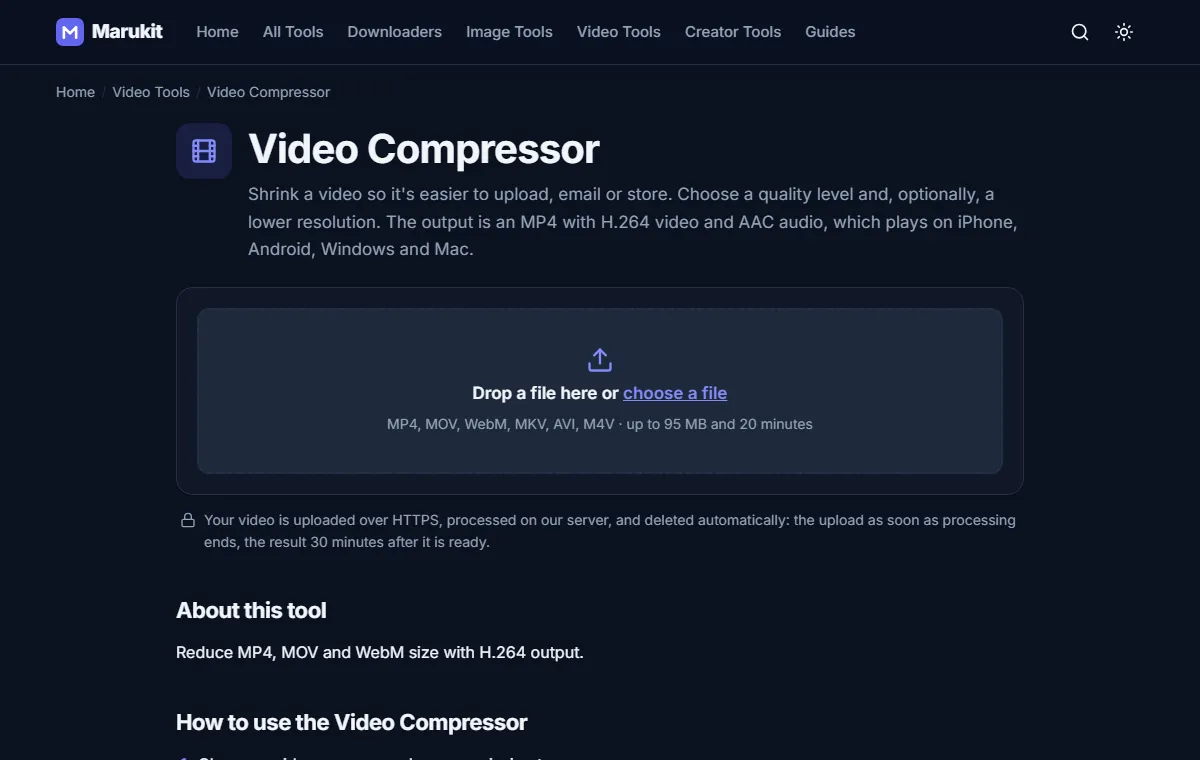
- Open the Video Compressor and choose your video.
- Pick Balanced quality and a resolution: 1080p for uploads where quality matters, 720p for messaging.
- Press Compress video. The shape stays the same; only the file gets smaller. You get an MP4 that every app accepts.
For WhatsApp, use Compress Video for WhatsApp, which aims for a file size you choose (like 16MB) and checks the result.
Thumbnails and cover images
Cover images should match the video's shape: 1080 × 1920 for vertical videos, 1280 × 720 for YouTube. Use the Image Resizer with Crop to fill to get an exact size without stretching.
Try the Video CompressorReduce MP4, MOV and WebM size with H.264 output. Free, no signup.Open toolFrequently asked questions
Should I upload in 4K?
Most phone apps show vertical videos at 1080p. Uploading 4K takes longer and is usually compressed down anyway. 1080p is the safe choice.
Why does my video look blurry after uploading?
Apps recompress uploads. Starting from a clean 1080p H.264 file, not an already heavily compressed one, gives them the best material to work with.
Tools in this guide
More guides
- How to Download TikTok Videos Without Watermark
- How to Download Instagram Reels (iPhone, Android, PC)
- How to Compress an Image to 100KB Without Losing Too Much Quality
- How to Compress a Video for WhatsApp
- HEIC vs JPG: Which Should You Use, and How to Convert
- How to Convert MOV to MP4 (Windows, Mac and iPhone)
- How to Convert PNG to WebP for a Faster Website
- How to Reduce Video Size on Your Phone (iPhone and Android)
- How to Make Your Photo Fit as a WhatsApp DP