 Marukit
Guide
How to Compress an Image to 100KB Without Losing Too Much Quality
Online application forms often reject photos over 100KB. Here's what makes a photo big, how to get under the limit while keeping it sharp, and how to do it in a few seconds.
Updated · 2 min read
What makes a photo larger than 100KB?
Two things decide a JPG's file size: its pixel dimensions and its compression quality. A typical phone photo is about 4000 × 3000 pixels and 2-4 MB. A form only needs a few hundred pixels across, so most of that size is detail nobody will ever see.
- Reducing quality (for example from 95 to 70) can shrink a JPG by more than half with little visible change.
- Reducing dimensions (for example to 1200 pixels wide) shrinks it much more. Halving the width and height leaves about a quarter of the pixels.
For forms, shrinking the dimensions usually looks better than very low quality. Heavy compression creates blocky artifacts around faces and text.
The quick way: let the tool find the best setting
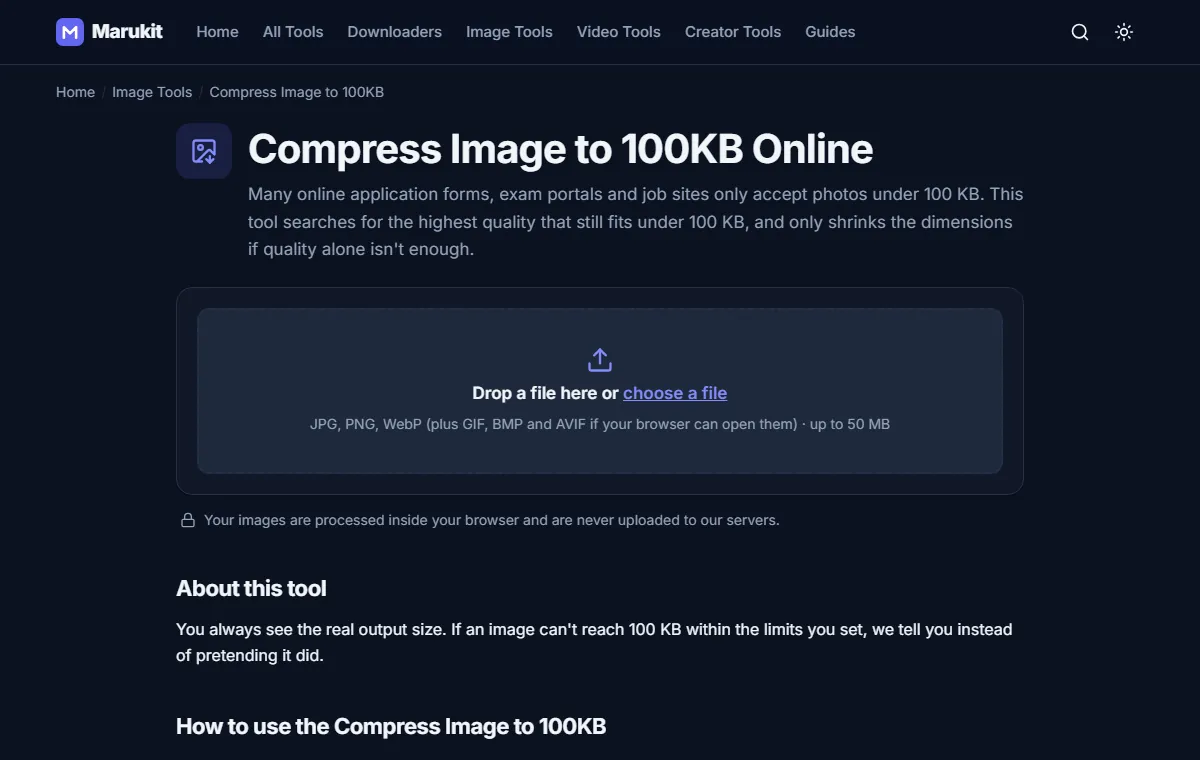
- Open Compress Image to 100KB.
- Choose your photo. It stays on your device; nothing is uploaded.
- Keep JPG as the format, since almost every form accepts it.
- Leave Reduce dimensions if needed on, then press Compress.
- Check the result: you'll see the exact size in KB and bytes, and a before/after comparison.
The tool tries quality levels to find the highest quality that still fits, and only resizes if quality alone isn't enough. If it can't reach 100KB with your settings, it tells you instead of pretending.
When the form also requires exact dimensions
Some portals ask for a specific size, like 200 × 230 pixels for a passport-style photo. Resize first with the Image Resizer (use Crop to fill so nothing is stretched), then compress the result.
100KB vs "100 KB": why a file can still be rejected
Some websites count 1KB as 1,000 bytes, others as 1,024. Marukit aims just under 102,400 bytes and shows the exact byte count. If a form still says the file is too big, use the Image Compressor with a slightly lower quality, or a target of 90KB.
If you have more room: 200KB
If the limit is 200KB, use Compress Image to 200KB. It keeps noticeably more detail, which matters for documents with small text.
Try the Compress Image to 100KBGet a photo under 100 KB for forms and job portals. Free, no signup.Open toolFrequently asked questions
Is my photo uploaded anywhere?
No. Compression runs in your browser, so the photo never leaves your device.
Can I compress a PNG to 100KB?
Yes. The result is saved as JPG (or WebP), because PNG is lossless and rarely gets that small.
Will the photo look blurry?
Small photos look fine at 100KB. Large, detailed photos are resized a little, which looks better than heavy compression.
Tools in this guide
More guides
- How to Download TikTok Videos Without Watermark
- How to Download Instagram Reels (iPhone, Android, PC)
- How to Compress a Video for WhatsApp
- HEIC vs JPG: Which Should You Use, and How to Convert
- Best Video Sizes for Social Media (TikTok, Reels, Shorts and More)
- How to Convert MOV to MP4 (Windows, Mac and iPhone)
- How to Convert PNG to WebP for a Faster Website
- How to Reduce Video Size on Your Phone (iPhone and Android)
- How to Make Your Photo Fit as a WhatsApp DP