 Marukit
Guide
How to Compress a Video for WhatsApp
WhatsApp rejects or heavily squeezes large videos. Here's how to make a video small enough to send, and why choosing the right resolution matters more than anything else.
Updated · 2 min read
How big can a WhatsApp video be?
WhatsApp's limits depend on your phone, app version and whether you send the file as a video or as a document, and they change over time. Many people aim for 16MB when sending as a regular video, and use larger targets when sending as a document. Instead of guessing, compress to a size you choose and check the result.
Size = length × bitrate
A video's file size is roughly its length multiplied by its bitrate (how much data each second uses). To fit a long video into a small size, each second has to use less data. That's why lowering the resolution helps so much: a 480p picture needs far less data than 1080p to look clean on a phone screen.
- Up to about 1 minute: 720p looks good at 16MB.
- 1-3 minutes: choose 480p for 16MB.
- Longer: pick a bigger target (32MB or 64MB) and send as a document, or trim the video first.
Compress it in three steps
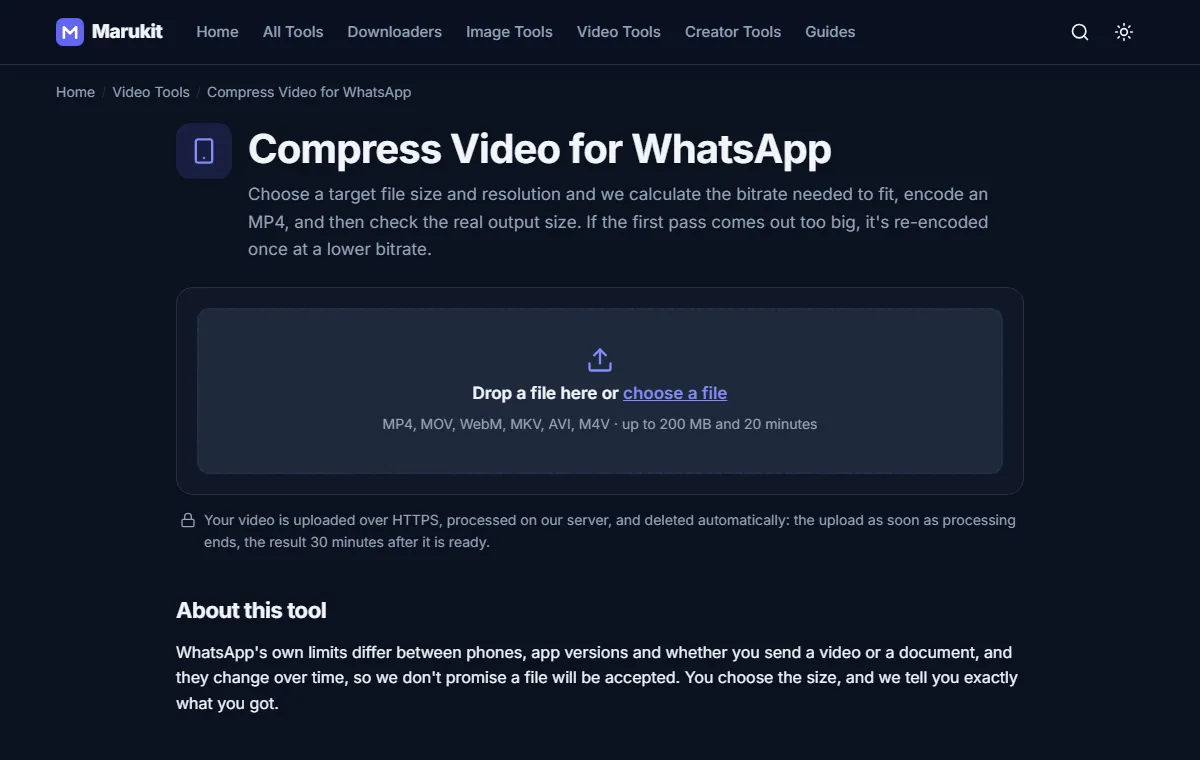
- Open Compress Video for WhatsApp and choose your video.
- Pick a target size and a max resolution. The page estimates the quality before you start.
- Press Compress video. You'll see real progress, then the verified output size, then you can download the MP4.
The output uses H.264 video and AAC audio, the most widely supported combination, so it plays on old and new phones alike. Your upload is deleted as soon as processing ends, and the result 30 minutes later.
iPhone videos are often MOV files in HEVC format. The tool converts them to MP4 automatically. If you only need the format change, use MOV to MP4.
Want the smallest file without a size target?
Use the Video Compressor: choose Balanced or Small quality and 720p or 480p. It's ideal for emailing or uploading where there's no strict limit.
Try the Compress Video for WhatsAppFit a video under a size you choose, then check the result. Free, no signup.Open toolFrequently asked questions
Will WhatsApp compress it again?
WhatsApp may still recompress videos sent as video messages. Sending as a document avoids that but uses more data for the receiver.
Why does my long video fail at 16MB?
If it would need a bitrate too low to watch, we stop and suggest a bigger target or a shorter clip instead of making an unwatchable file.
Tools in this guide
More guides
- How to Download TikTok Videos Without Watermark
- How to Download Instagram Reels (iPhone, Android, PC)
- How to Compress an Image to 100KB Without Losing Too Much Quality
- HEIC vs JPG: Which Should You Use, and How to Convert
- Best Video Sizes for Social Media (TikTok, Reels, Shorts and More)
- How to Convert MOV to MP4 (Windows, Mac and iPhone)
- How to Convert PNG to WebP for a Faster Website
- How to Reduce Video Size on Your Phone (iPhone and Android)
- How to Make Your Photo Fit as a WhatsApp DP