 Marukit
Guide
How to Convert PNG to WebP for a Faster Website
Images are usually the heaviest part of a web page. Converting PNG and JPG to WebP often cuts their size a lot. Here's how to do it in bulk, and when it's worth it.
Updated · 2 min read
Why WebP?
WebP is an image format made for the web. At similar visual quality, WebP files are usually much smaller than PNG and noticeably smaller than JPG. Smaller images mean faster pages, which helps visitors on mobile data and is one of the signals search engines look at.
- Photos saved as PNG shrink the most, because PNG is lossless and not designed for photos.
- Logos and graphics with transparency keep their transparent background in WebP.
- Screenshots with text work well at quality 85-90, so text stays crisp.
Batch convert to WebP in your browser
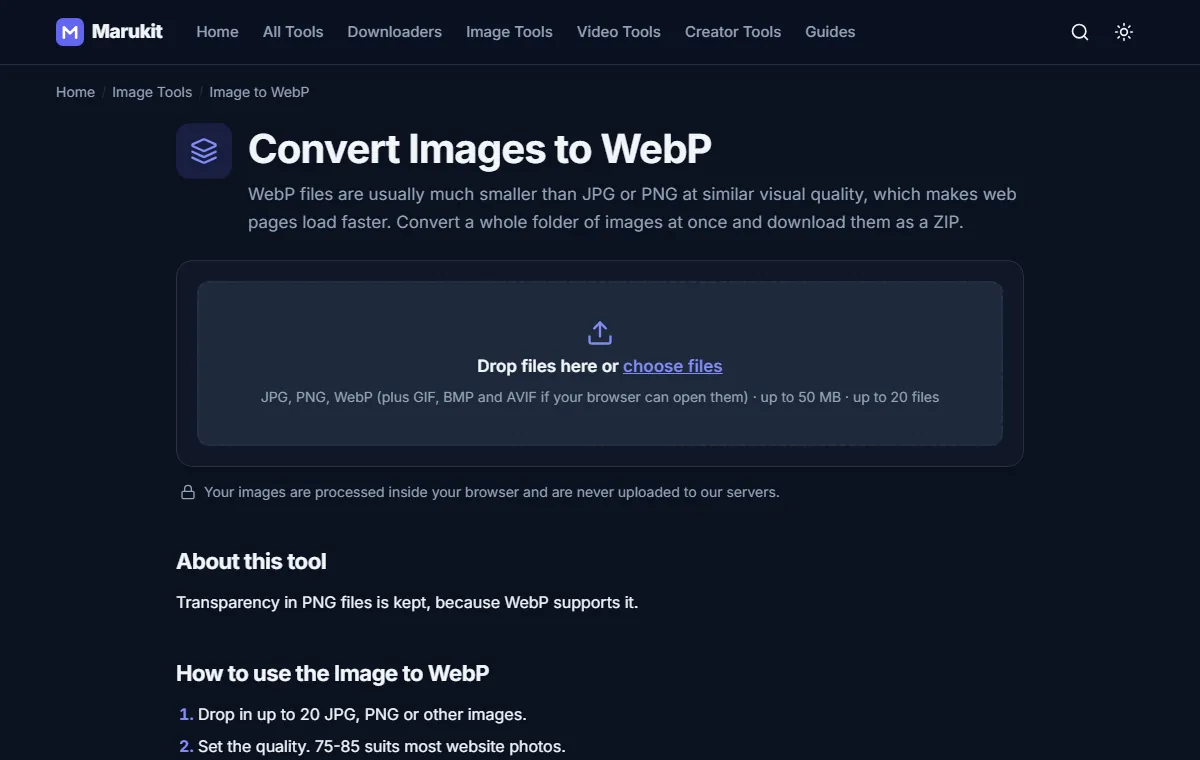
- Open Image to WebP.
- Drop in up to 20 images at once. They're processed on your device and never uploaded.
- Set the quality: 75-85 suits most website photos, 85-90 for screenshots with text.
- Press Convert to WebP, compare before and after with the slider, then download each file or all of them as a ZIP.
Every result shows the original size, the new size and the percentage saved. If a WebP comes out larger (it happens with tiny, already-optimized files), keep the original.
Is WebP supported everywhere?
All current browsers display WebP: Chrome, Edge, Firefox and Safari. Some older desktop software and some upload forms still don't accept it, so keep your originals. If you need to go back, the Image Converter turns WebP into PNG or JPG.
Resize before you convert
A 4000-pixel-wide photo shown 800 pixels wide on your page wastes data whatever the format. Resize it first with the Image Resizer, then convert to WebP for the biggest saving.
Try the Image to WebPBatch convert JPG and PNG to WebP, download as ZIP. Free, no signup.Open toolFrequently asked questions
Does WebP keep transparency?
Yes. Transparent areas in PNG files stay transparent in WebP.
Can I convert WebP back to PNG?
Yes, with the Image Converter. The image will look the same, but the file will be larger.
Tools in this guide
More guides
- How to Download TikTok Videos Without Watermark
- How to Download Instagram Reels (iPhone, Android, PC)
- How to Compress an Image to 100KB Without Losing Too Much Quality
- How to Compress a Video for WhatsApp
- HEIC vs JPG: Which Should You Use, and How to Convert
- Best Video Sizes for Social Media (TikTok, Reels, Shorts and More)
- How to Convert MOV to MP4 (Windows, Mac and iPhone)
- How to Reduce Video Size on Your Phone (iPhone and Android)
- How to Make Your Photo Fit as a WhatsApp DP