 Marukit
Guide
How to Convert MOV to MP4 (Windows, Mac and iPhone)
MOV is Apple's video format. Windows apps, Android phones and many websites prefer MP4. Here's how to convert without losing quality, and why renaming the file isn't enough.
Updated · 2 min read
MOV and MP4: what's the difference?
MOV and MP4 are both containers: boxes that hold video and audio. What's inside matters more. iPhones usually record HEVC (H.265) video in a MOV box. Many Windows apps, older phones and upload forms can't play HEVC, even after you rename the file to .mp4.
So a proper conversion has two cases:
- The video is already H.264 with AAC audio (common for cameras and older iPhones): it only needs repackaging into MP4. That's fast and loses no quality at all.
- The video is HEVC or ProRes (newer iPhones): the picture is converted to H.264 so it plays everywhere.
Marukit's converter detects which case applies and does the right thing automatically.
Convert MOV to MP4 online
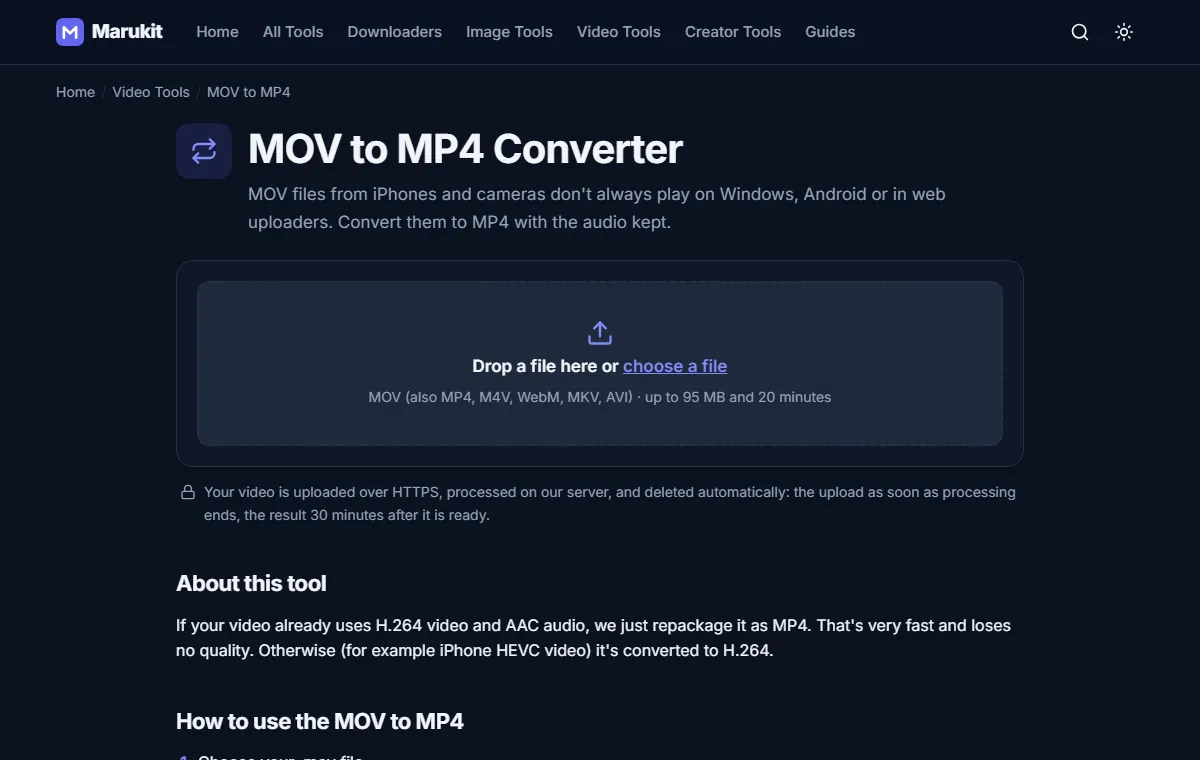
- Open MOV to MP4 on any device: Windows, Mac, Android or iPhone.
- Choose your .mov file. You'll see real upload progress.
- Press Convert to MP4 and download the result. The audio is kept.
Your upload is deleted as soon as conversion finishes, and the MP4 is deleted 30 minutes later.
On iPhone: record MP4-friendly videos from the start
Go to Settings › Camera › Formats and choose Most Compatible. New videos are recorded in H.264, which is much easier to share. They take up more space on your phone.
Why is my MP4 bigger than the MOV?
HEVC is very efficient. H.264 needs more data for the same picture. If size matters, run the MP4 through the Video Compressor at 1080p or 720p.
HDR videos from recent iPhones are converted to standard colour so they look right on all screens. Bright highlights can look slightly different from the original.
Try the MOV to MP4Convert iPhone and camera MOV files to MP4. Free, no signup.Open toolFrequently asked questions
Can I just rename .mov to .mp4?
Sometimes it plays, often it doesn't, because the video inside may still be HEVC. A real conversion makes sure it works everywhere.
Will I lose quality?
If the video only needs repackaging, there is no loss at all. If it's re-encoded, we use a high quality setting so the difference is hard to see.
Tools in this guide
More guides
- How to Download TikTok Videos Without Watermark
- How to Download Instagram Reels (iPhone, Android, PC)
- How to Compress an Image to 100KB Without Losing Too Much Quality
- How to Compress a Video for WhatsApp
- HEIC vs JPG: Which Should You Use, and How to Convert
- Best Video Sizes for Social Media (TikTok, Reels, Shorts and More)
- How to Convert PNG to WebP for a Faster Website
- How to Reduce Video Size on Your Phone (iPhone and Android)
- How to Make Your Photo Fit as a WhatsApp DP