 Marukit
Guide
How to Reduce Video Size on Your Phone (iPhone and Android)
A one-minute phone video can be over 100MB. Here's why, and how to make it a fraction of the size right from your phone's browser, without installing anything.
Updated · 2 min read
Why phone videos are so big
Phones record at high resolution (often 4K) and a high bitrate, so you can edit later without losing detail. Watching on a phone screen or sending to a friend doesn't need anywhere near that much data. Lowering the resolution and bitrate makes the file far smaller while it still looks good on a phone.
Compress a video in your browser
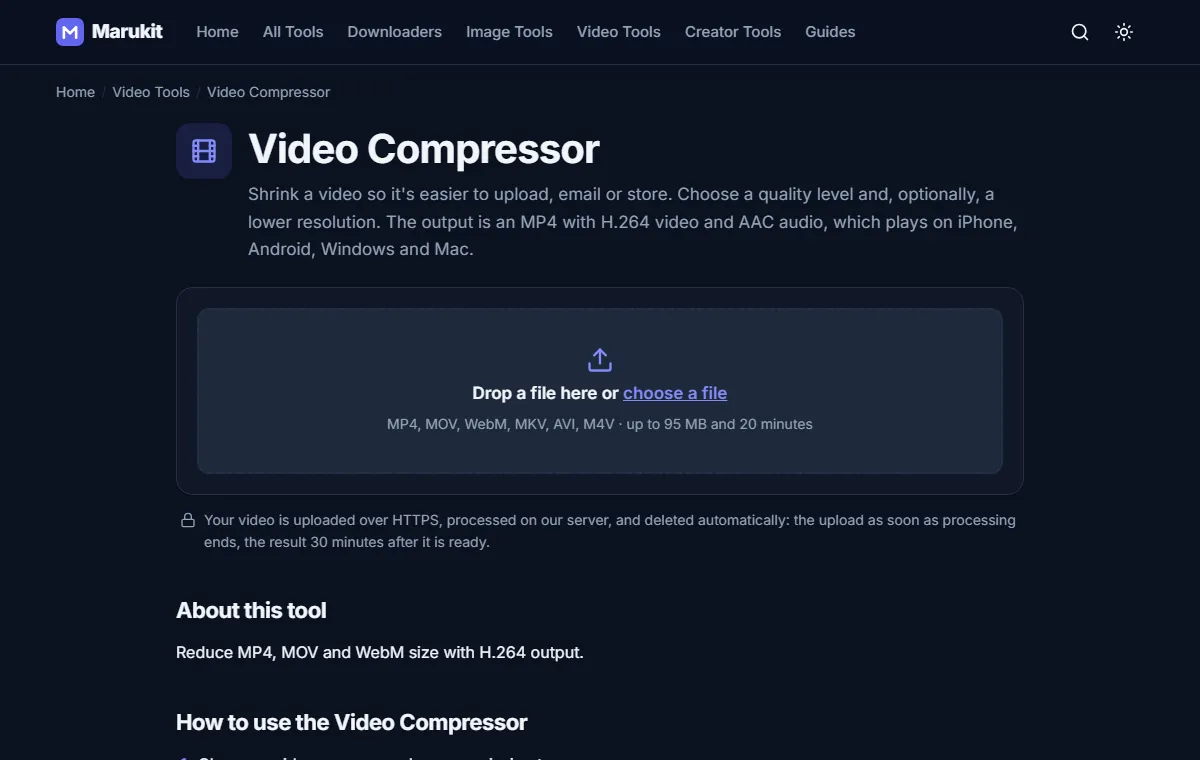
- On your phone, open the Video Compressor in Safari or Chrome.
- Tap Choose a file and pick the video from your gallery or Files.
- Choose Balanced quality and 720p, a great size for phones and messaging.
- Tap Compress video. You'll see the upload and processing progress.
- Tap Download. On iPhone, open Files › Downloads, tap the video, then Share › Save Video to put it back in Photos.
The page shows the original size, the new size and how much you saved. The result is an MP4 that plays on every phone and computer.
Choosing settings
- Sending on WhatsApp: use Compress Video for WhatsApp and pick a target like 16MB.
- Email: many email services limit attachments to around 20-25MB. Use 480p or 720p with Small quality.
- Keeping a smaller copy: High quality and 1080p keeps it sharp while still saving space.
To stop future videos from being so big on iPhone, go to Settings › Camera › Record Video and choose 1080p at 30 fps instead of 4K.
Using mobile data?
Compressing needs the video to be uploaded once. For very large videos, use Wi-Fi. Uploads up to the limit shown on the tool page are accepted, and your file is deleted automatically after processing.
Try the Video CompressorReduce MP4, MOV and WebM size with H.264 output. Free, no signup.Open toolFrequently asked questions
Do I need to install an app?
No. Everything works in Safari or Chrome.
Will the video look worse?
On a phone screen, 720p at Balanced quality looks very close to the original while being many times smaller.
Tools in this guide
More guides
- How to Download TikTok Videos Without Watermark
- How to Download Instagram Reels (iPhone, Android, PC)
- How to Compress an Image to 100KB Without Losing Too Much Quality
- How to Compress a Video for WhatsApp
- HEIC vs JPG: Which Should You Use, and How to Convert
- Best Video Sizes for Social Media (TikTok, Reels, Shorts and More)
- How to Convert MOV to MP4 (Windows, Mac and iPhone)
- How to Convert PNG to WebP for a Faster Website
- How to Make Your Photo Fit as a WhatsApp DP