 Marukit
Guide
HEIC vs JPG: Which Should You Use, and How to Convert
Your iPhone saves photos as HEIC, but many websites, forms and Windows apps only accept JPG. Here's the difference in plain words and the quickest way to convert.
Updated · 2 min read
What is HEIC?
HEIC (High Efficiency Image Container) is the format iPhones use by default. It uses the same compression technology as modern video, so photos take up about half the space of a JPG at similar quality. It can also store extras like depth information for Portrait mode.
HEIC vs JPG at a glance
- File size: HEIC is usually about 40-50% smaller.
- Compatibility: JPG opens everywhere. HEIC needs an extra codec on Windows and is rejected by many upload forms.
- Quality: similar to the eye at normal settings.
- Best for: HEIC for storing photos on your iPhone, JPG for sharing, uploading and printing.
Convert HEIC to JPG in your browser
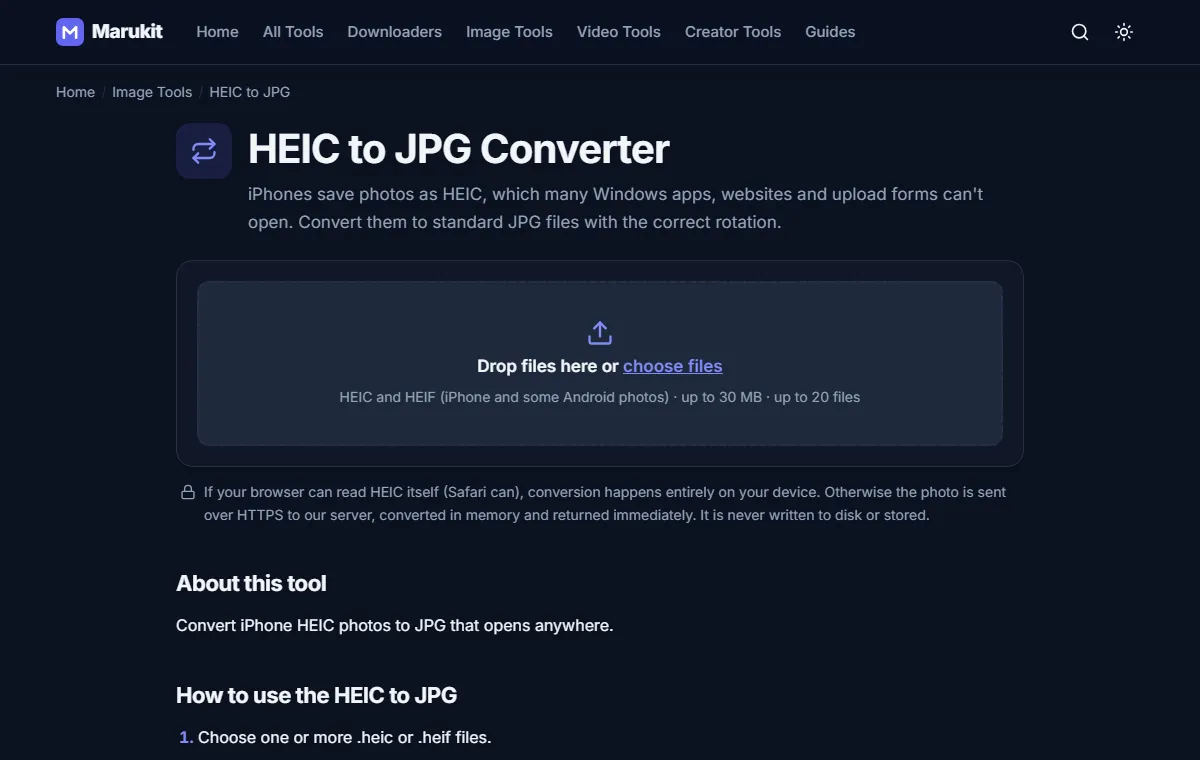
- Open HEIC to JPG.
- Choose one or more .heic photos. You can select up to 20 at once.
- Press Convert to JPG and download each photo, or all of them as a ZIP.
The converter keeps the correct rotation and removes GPS location data from the JPG, which is a nice privacy bonus when you share photos. In Safari the conversion runs on your device; in other browsers the photo is converted in memory on our server and never stored.
Uploading to a form with a size limit? After converting, run the JPG through Compress Image to 100KB.
Stop your iPhone from making HEIC files
If you mostly share photos, you can switch the camera to JPG: open Settings › Camera › Formats and choose Most Compatible. New photos will be JPG; they'll take more space.
Try the HEIC to JPGConvert iPhone HEIC photos to JPG that opens anywhere. Free, no signup.Open toolFrequently asked questions
Does converting HEIC to JPG lose quality?
Very little at quality 90, the default. Photos look the same at normal viewing sizes.
Can I convert HEIC to PNG?
Convert to JPG first, then use the Image Converter. PNG photos are much larger and rarely needed.
Tools in this guide
More guides
- How to Download TikTok Videos Without Watermark
- How to Download Instagram Reels (iPhone, Android, PC)
- How to Compress an Image to 100KB Without Losing Too Much Quality
- How to Compress a Video for WhatsApp
- Best Video Sizes for Social Media (TikTok, Reels, Shorts and More)
- How to Convert MOV to MP4 (Windows, Mac and iPhone)
- How to Convert PNG to WebP for a Faster Website
- How to Reduce Video Size on Your Phone (iPhone and Android)
- How to Make Your Photo Fit as a WhatsApp DP